
Cybersecurity encompasses the devices, tools and policies used to protect networks, programmes and systems against digital attacks. The goal of these cyberattacks is to access sensitive data in order to modify, encrypt, falsify or destroy it — causing harm to individuals or organisations.
The principles of cybersecurity
Cybersecurity encompasses the devices, tools and policies used to protect networks, programmes and systems against digital attacks. These attacks range from simple data modification to full encryption with a ransom demand (ransomware).
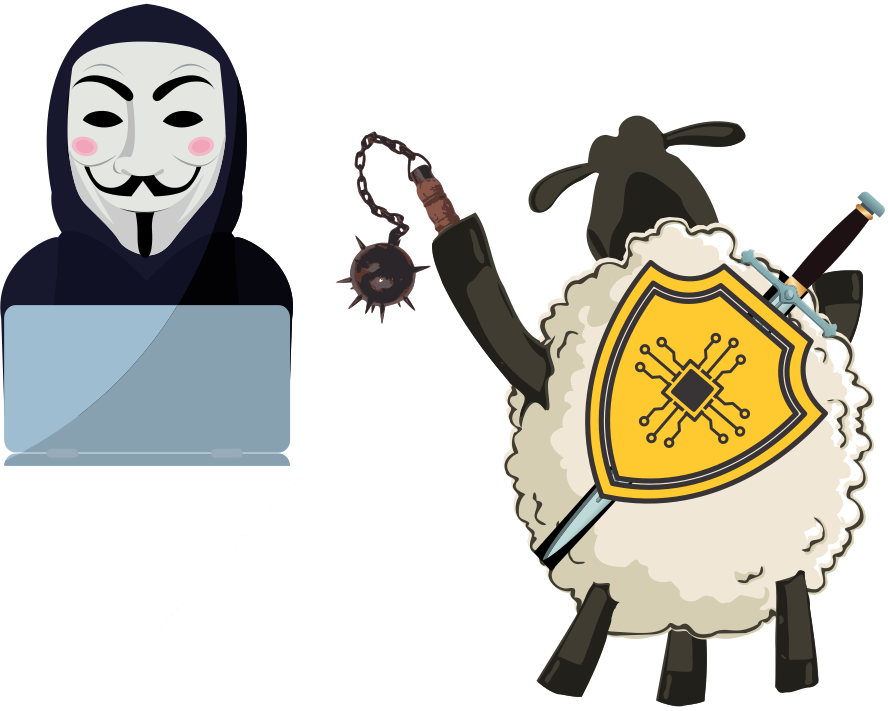
Access to malware is becoming increasingly easy, which increases the number of potential attacks on businesses. There are now more devices than users, and hackers are increasingly sophisticated, which is why global cybersecurity spending continues to rise — from $71.1 billion in 2014 to $101 billion in 2018.
Two figures from WordPress as an example: in 2020, their security plugin “Wordfence” blocked over 90 billion malicious login attempts from 57 million unique IP addresses.
To better understand a cyberattack, here is a standard attack scenario:
- The attacker uses a file, a phishing email, or a vulnerability in an application or network to infiltrate it and plant malware
- The malware “audits” your network to find other vulnerabilities or access points to gain more information and take greater control
- Having found additional vulnerabilities, the attacker installs backdoors so that if the first entry point is closed, the attack can continue
- Once embedded in the network, the goal is to access usernames and passwords to ultimately gain access to all internal company data
- After locating the target data, it is copied to an external server, then stored on a drive. Once complete, the attacker deletes the malware and any traces — but retains access credentials and can return at any time
Solutions to protect yourself effectively
Regularly inventory your information system
Do you have a clear picture of your IT estate, the applications in use, and your business’s critical data? A solid security foundation starts with inventorying all hardware, software and data. Once listed, you can identify solutions tailored to your needs.
Hardware inventory includes computers (and peripherals), tablets, local and remote servers, and smartphones. For software, ensure you hold official licences — both for legal compliance and for maintenance support.
Also inventory your data: all access to information and how it is processed. Who has access, what type of access (guest, admin, user), and by what means (local or remote). This lets you verify whether former employees or contractors still have active credentials.
This “inventory” should be carried out regularly (at least twice a year) to detect any new software, devices or access that may have appeared without explanation.
Make regular backups
Backups ensure you always have full access to your data in the event of an attack or ransomware encryption. For more on Microsoft 365 backup, see our dedicated article.
Keep systems and software up to date
New viruses are created every day to exploit newly discovered vulnerabilities. Updates are therefore critical — they fix bugs, add features, and most importantly, protect your devices by patching security flaws. While most updates happen automatically, ensure this is the case for all your devices and applications.
Use antivirus software
With modern operating systems, you already have basic protection — Windows Defender on Windows and macOS Security on Mac. Antivirus software helps protect your computer against known internet threats by scanning files, applications, web pages and data to block or remove dangers.
Use a VPN
A VPN (Virtual Private Network) encrypts your data, protecting against theft of confidential information — passwords, credentials, banking details — regardless of the network being used (private or public Wi-Fi). For more information, see our VPN setup page.
Implement two-factor authentication
2FA adds a second layer of security to your accounts — a double lock: your password plus identity confirmation. Apps such as Google Authenticator and Microsoft Authenticator generate unique one-time codes valid for sixty seconds.
Microsoft recommends against using SMS or voice calls for 2FA, as SMS was not designed with encryption and can be intercepted in public spaces. Use dedicated authenticator apps instead.
Train your staff

Key areas to address with staff include strong password policies: passwords of at least 9 characters, with uppercase letters, numbers, and special characters. Avoid using names of family members, pets, or birth dates — information that is often publicly visible on social media and frequently used in passwords.
Use password manager applications such as Dashlane or KeePass to generate complex passwords and store them securely. Train staff to never open a link from an unknown or suspicious email address, and never download attachments from untrusted sources.
Never share internal credentials or access information over the phone unless you are certain of the caller’s identity. Social engineering attacks gradually collect names, service details, and eventually gain entry to company systems.
Cybersecurity audit
Beyond the measures above, specialist firms exist in ethical hacking. Their goal is to test your installation to identify vulnerabilities and assess the real risk level of your information system, then provide a report with recommended remediation steps. This also reassures your staff and clients about the security of their data.
Let’s discuss your situation.
30 minutes, no obligation.
Let’s take a look together at what it would take to ease your IT workload. No sales pitch. Just an honest assessment of the situation.
Your IT architect. Your trusted partner.